Create Resource Pool Snapshots
Last updated on
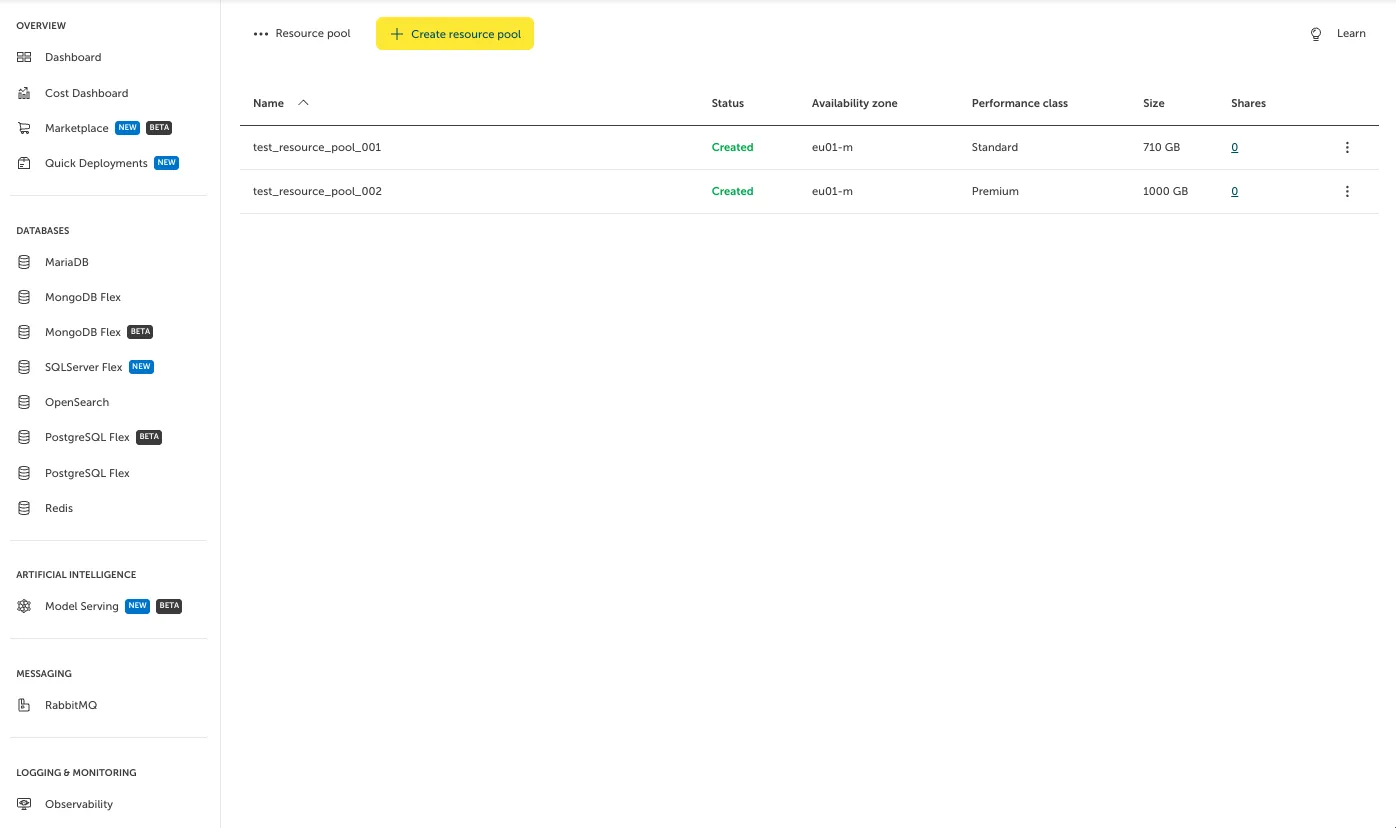
To create a Resource Pool Snapshot (or short Snapshot), that is, a point-in-time image of the Resource Pool, go to “File Storage > Resource Pools” and click on the Resource Pool in the list that you want to create the Snapshot on. In our case, we will use “test_resource_pool_002”.
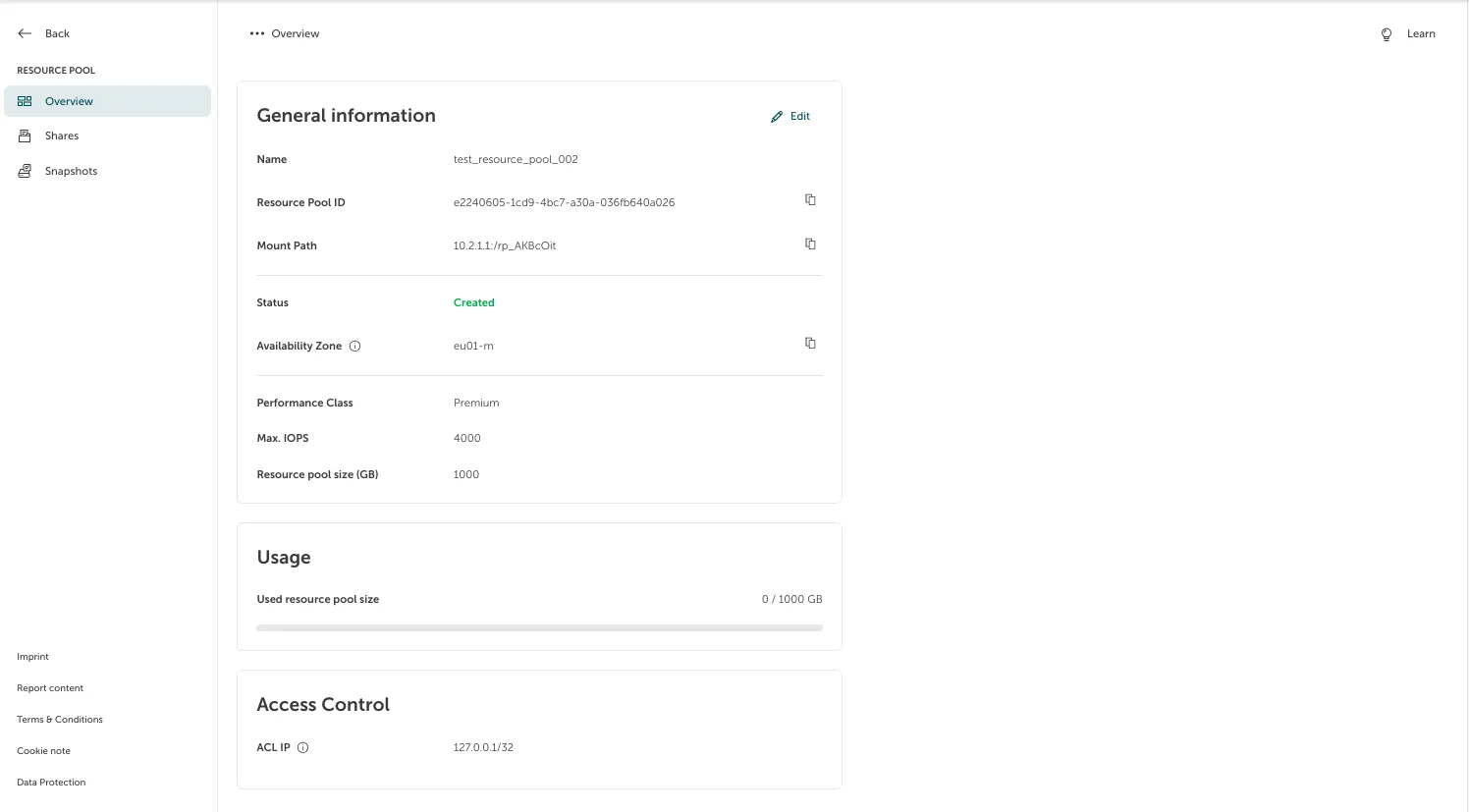
On the side, you can see and select “Snapshots”.
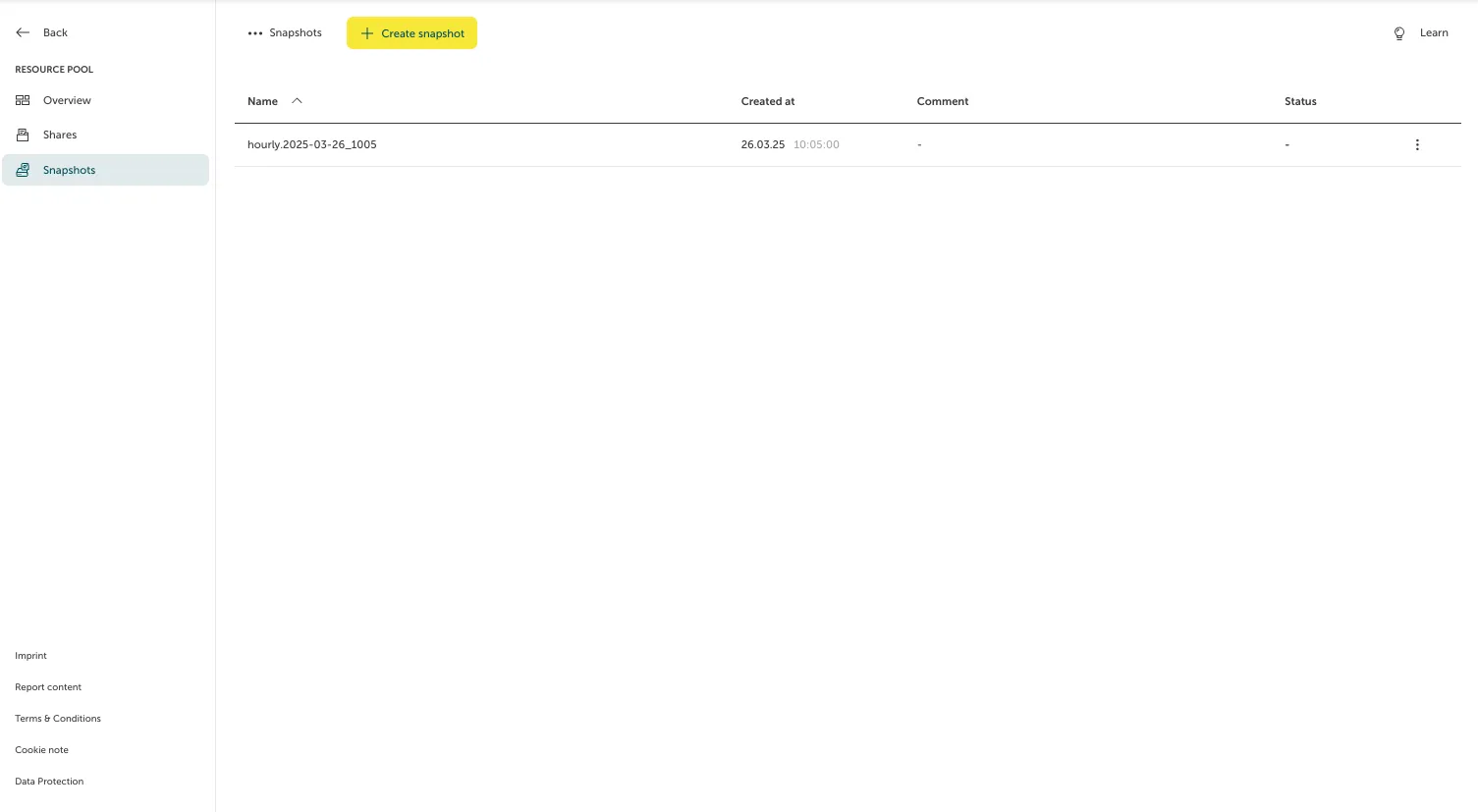
You can create a (or multiple) dedicated Snapshot at any time. To do so, click “Create Snapshot”.
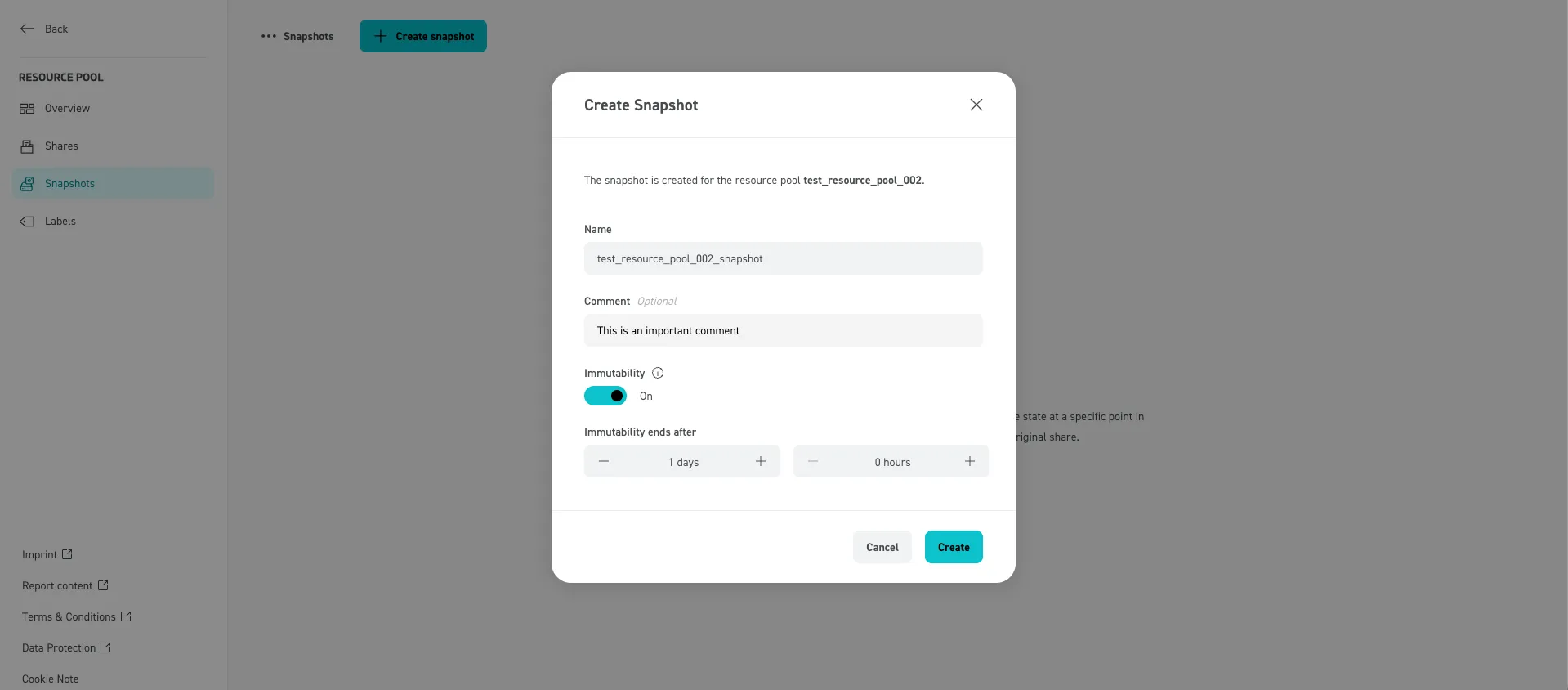
A form will pop up, where you can type the name, optional comment and immutability settings for the Snapshot. Clicking on “Create” will create the Snapshot. If immutability is selected, you can define the days and hours the Snapshot should be immutable. This means that the Snapshot cannot be deleted until the defined time has passed.